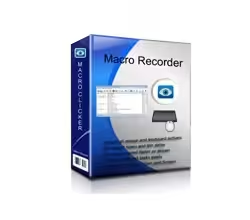
Macro Recorder captures mouse events and keystrokes like a tape recorder, allowing you to automate tedious procedures on your computer. So the Macro Recorder does exactly what its name says: it records all the series of inputs you give to your computer and can replay them, whenever you require it. This means that the software won’t just reproduce all your clicks and key presses, but also any possible effects that they have on your computer.
- Features
- Screenshots
- Whats new?
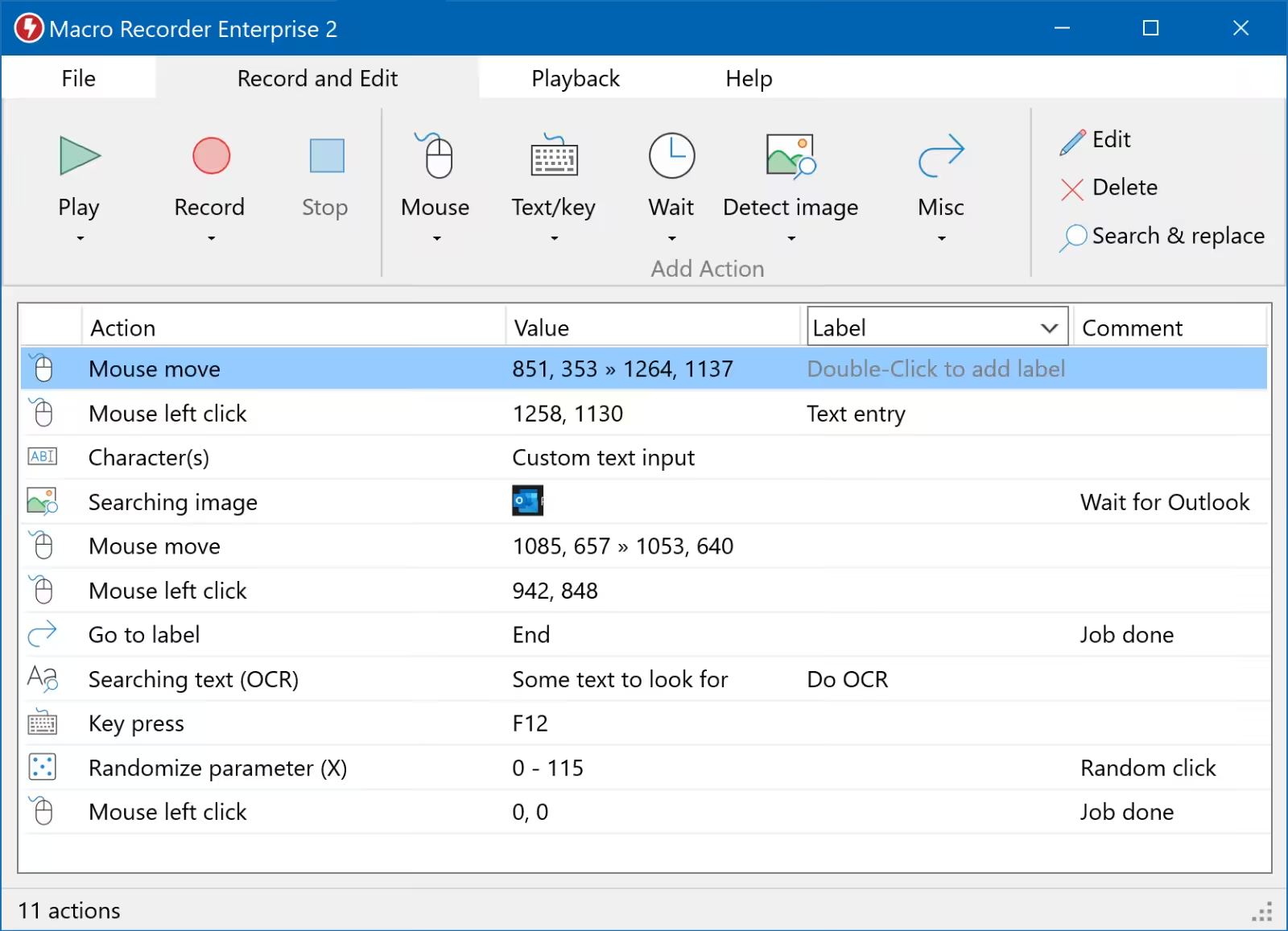
- Press Record. Perform the actions: Macro Recorder records your mouse movements, mouse clicks, and keyboard input. Just like a tape recorder for your computer.
- Press Stop. Edit the macro: The built-in macro editor allows you to review your recording, rearrange actions, change pauses, or edit keyboard input.
- Press Play. Repeat the macro: Macro Recorder repeats your macro recording as often as needed, saving you from repetitive tasks. You can adjust playback speed and smooth out edgy mouse movements.
- OpenAI Integration: Macro Recorder integrates OpenAI and ChatGPT to power your automation with artificial intelligence.
- Desktop Automation: Macro Recorder is your Windows/Mac desktop automation software and sets your computer on autopilot to repeat tasks infinitely.
- Barcode / QR Code: Macro Recorder can read barcode and QR code data for your automation projects.
- Web Automation: Macro Recorder is also a Web recorder to automate any action in a browser.
- Release notes were unavailable when this listing was updated.


link s don’t work : (