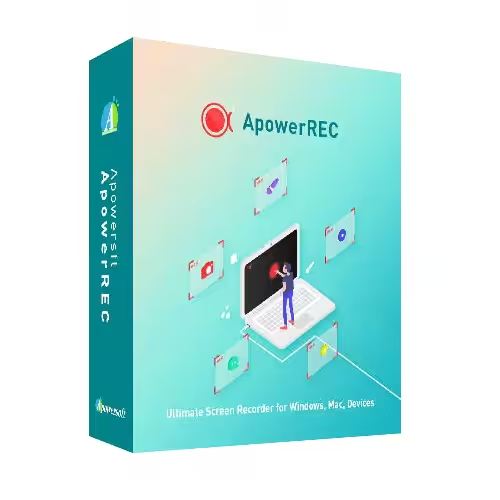
ApowerREC can record anything on your screen, including your desktop activities, live streaming videos, web meetings, and so on. You can capture your activity on the full screen or within a specifically set, customised region on your display,y along with audio, and it has a great ability to keep videos synchronised with audio. Besides, recording a webcam or capturing a screen together with a webcam is also feasible, and you can record a video chat or make a tutorial video with this screen recording software.
- Features
- Screenshots
- Whats new?
- Edit Videos: Make real-time editing during the recording or deploy advanced editing and add effects after the recording.
- Record Webcam: Record the webcam only or record the webcam along with your screen simultaneously.
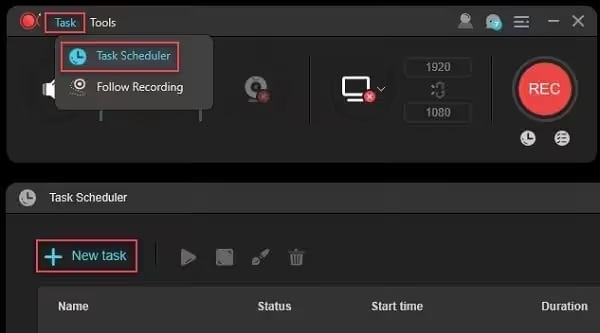
- Task Recording: Create scheduled tasks to record the PC screen/webcam automatically or follow a running application to record.
- Convert Video: Convert the recorded videos into different formats like MP4, AVI, WMV, MOV, etc.
- Take Screenshots: Take a screenshot with one click and it will be saved automatically.
- Record Audio: Adjust the volume and customize the audio sources from the sound card or microphone.
- Release notes were unavailable when this listing was updated.
Thanks
Thanks
Thanks