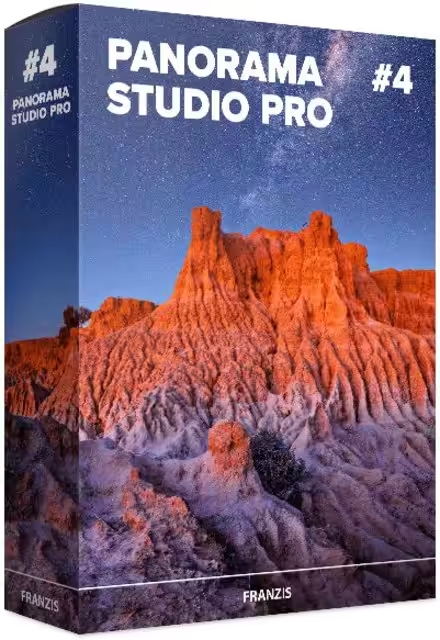
PanoramaStudio Pro is a comprehensive program that creates seamless 360-degree and wide-angle panoramic images. It stitches your photos into large panoramic images within minutes, combining the simplicity of creating perfect panoramas with advanced post-processing features for advanced users. PanoramaStudio Pro offers single-row and multi-row panoramas, ranging from full spherical 360×180-degree panoramas to smaller single-row images. It’s the complete solution for creating panoramic images.
- Features
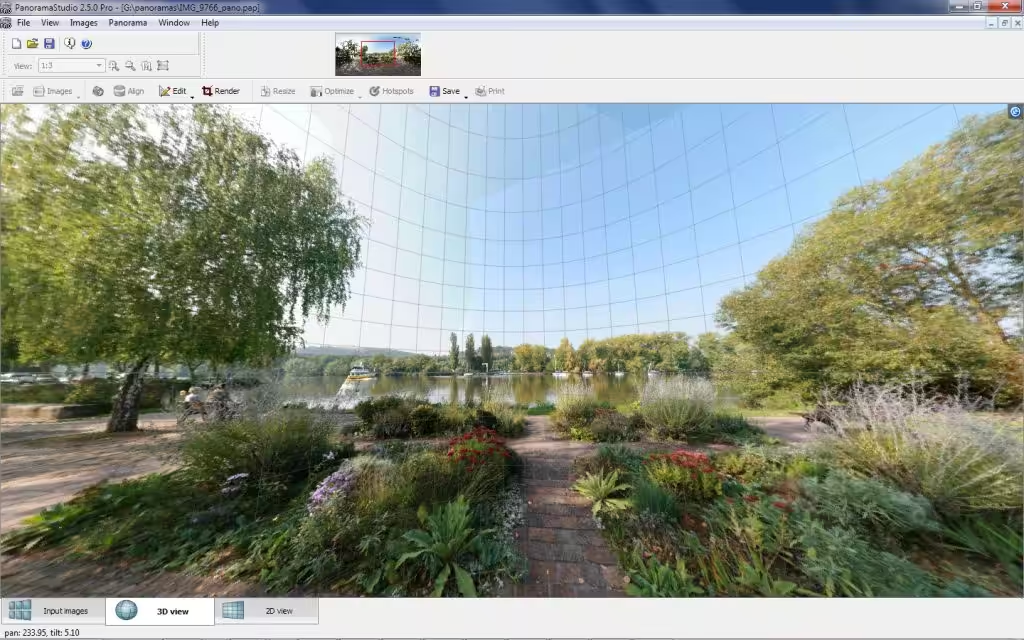
- Screenshots
- Whats new?
- Automatic Multi-Row & Single-Row Stitching: Effortlessly aligns and stitches images taken across single or complex multi-row matrix configurations, automatically detecting overlapping anchor points.
- Intelligent Camera & Lens Auto-Detection: Automatically reads camera models, lens profiles, and focal parameters directly from image EXIF metadata to fix perspective and radial distortions.
- Interactive 360-Degree HTML5 Virtual Tours: Exports fully interactive HTML5 virtual environments complete with hotspot navigation, zoom controls, and custom autorotation parameters playable across all web browsers and mobile devices.
- Advanced Color & Exposure Matching: Seamlessly compensates for varying exposure levels, vignetting, and dynamic lighting shifts across adjacent shots to produce smooth, uniform background transitions.
- Post-Processing & Hotspot Editing Tools: Includes built-in tools for horizon leveling, perspective alignment, manual control-point placement, and masking out moving subjects or unwanted ghosting artifacts.
- Gigapixel Project Engine: Optimized to handle massive image databases containing hundreds of high-resolution shots, leveraging multi-threading architectures to export images up to several gigapixels in size.
- Significantly improved performance when importing the individual images – typically 2x to 4x faster than before.
- Further fine-tuning of the image alignment.
- Better quality, higher speed, and minimized moiré effect for panoramas rendered at the reduced size.
- Import of images in WebP format.