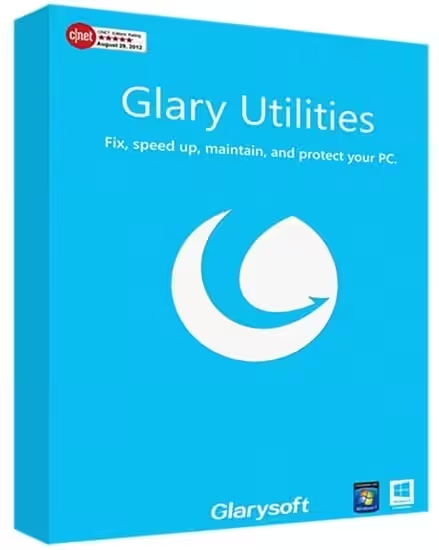
Glary Utilities Pro is a comprehensive system optimiser that offers a one-stop solution for optimising PC performance. Glary Utilities is a collection of system tools and utilities to fix, speed up, maintain, and protect your PC. It allows you to clean standard system junk files, as well as invalid registry entries and Internet traces (there’s plug-in support for 45+ external programs).
- Features
- Screenshots
- Whats new?
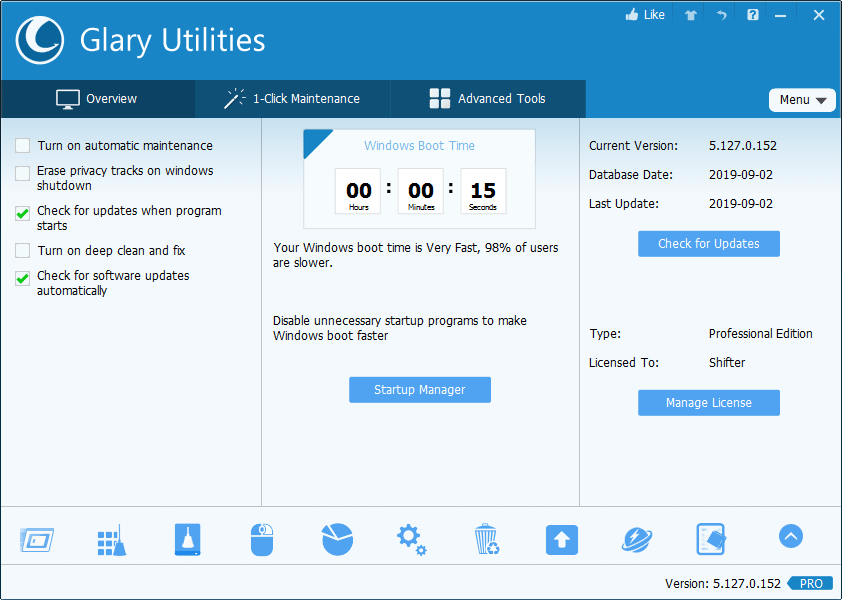
- One-click Maintenance: One-click maintenance Integrates frequently used functions together. One-click to clean up junk files, fix system errors, clear privacy records, and optimise computer performance.
- Free Up Drive Space: Disk Cleanup searches for old temporary files, obsolete installation files, log files, internet history and cache, error reports, saved offline content, and error logs, among other items, that you can safely delete on your computer.
- Prevent errors or crashes: Based on years of experience, Glary Utilities can more safely clean up the errors in your registry to prevent some inexplicable program errors or system crashes. Also, it can detect and fix disk corruption.
- Make your computer run faster: Is your computer getting slower? Glary Utilities can help you identify and disable unnecessary startup programs that consume resources, or uninstall infrequently used software to free up more disk space.
- Protect Your Privacy: Your browser will record the URLs you have visited, and some software will also save the names of the files you opened last time. Glary Utilities can help you find and delete them. Glary Utilities can also help you completely delete files so that they cannot be recovered.
- Keep Your Software Updated to Date: The newer version of the software usually offers better functions, higher performance, fixes bugs and vulnerabilities, and provides improved security. Glary Utilities can help you discover and update to new versions promptly.
- Recover Lost or Deleted Files: Did you accidentally delete an important file? Did you also empty the Recycle Bin? Don’t worry. Glary Utilities can help you find and restore them quickly.
- Analyze Disk Space Usage: Are You Running Out of Hard Drive Space? And you want to know which files or folders take up the most space? Disk Space Analyzer can quickly scan your hard disk and display the results sorted by size.
- Optimized Disk Cleaner: Optimized the scanning algorithm for ‘Vivaldi’ and ‘Brave’ to enhance the user experience.
- Optimized Disk Cleaner: Added support for system download cache to enhance the user experience.
- Optimized Tracks Eraser: Optimized the scanning algorithm for ‘Vivaldi’ and ‘Brave’ to enhance the user experience.
- Optimized Tracks Eraser: Optimized the scanning algorithm to enhance the user experience.
- Minor GUI improvements.
- Minor bug fixes.




como hago para instalarlo quiero que me guies
tengo que instalar tambiem los scrip de comando
Worked once and then stopped being Pro. Blocked via hosts file the whole time. Hook dll and LIC files got created by keygen, but no longer working just minutes after it was showing as pro.
The generator key not working
thanks